
A tailor-made service for small businesses
Account-to-account payments help you serve customers without cash. To make it easier for you to set up the app for the first time, we have created this simple guide.
Contents:
Step 1: Create an account
Step 2: Information about your company
Step 3: Connect your bank
Step 4: Generate a payment
Step 5: How to receive payments
Step 1: Create an account
As a new user, select Create a new account. Enter your email address and password. We will send a verification email to your email address. To simplify and speed up access to the application, select biometric verification (PIN code, fingerprint, or facial recognition, depending on your phone type).
Step 2: Information about your company
In this step, you will enter details about your company. The system can help you fill out the form if you enter the company name exactly as it appears in the Commercial Register, including diacritical marks.
Video tutorial:
Step 3: Connecting your bank
The final step in the initial setup process is to connect your bank account. The Everifin Merchant app will securely connect to your bank, allowing you to accept payments and track their status.
Video tutorials can be found at:
How to do it: Connecting your bank
Step 4: Generating a payment
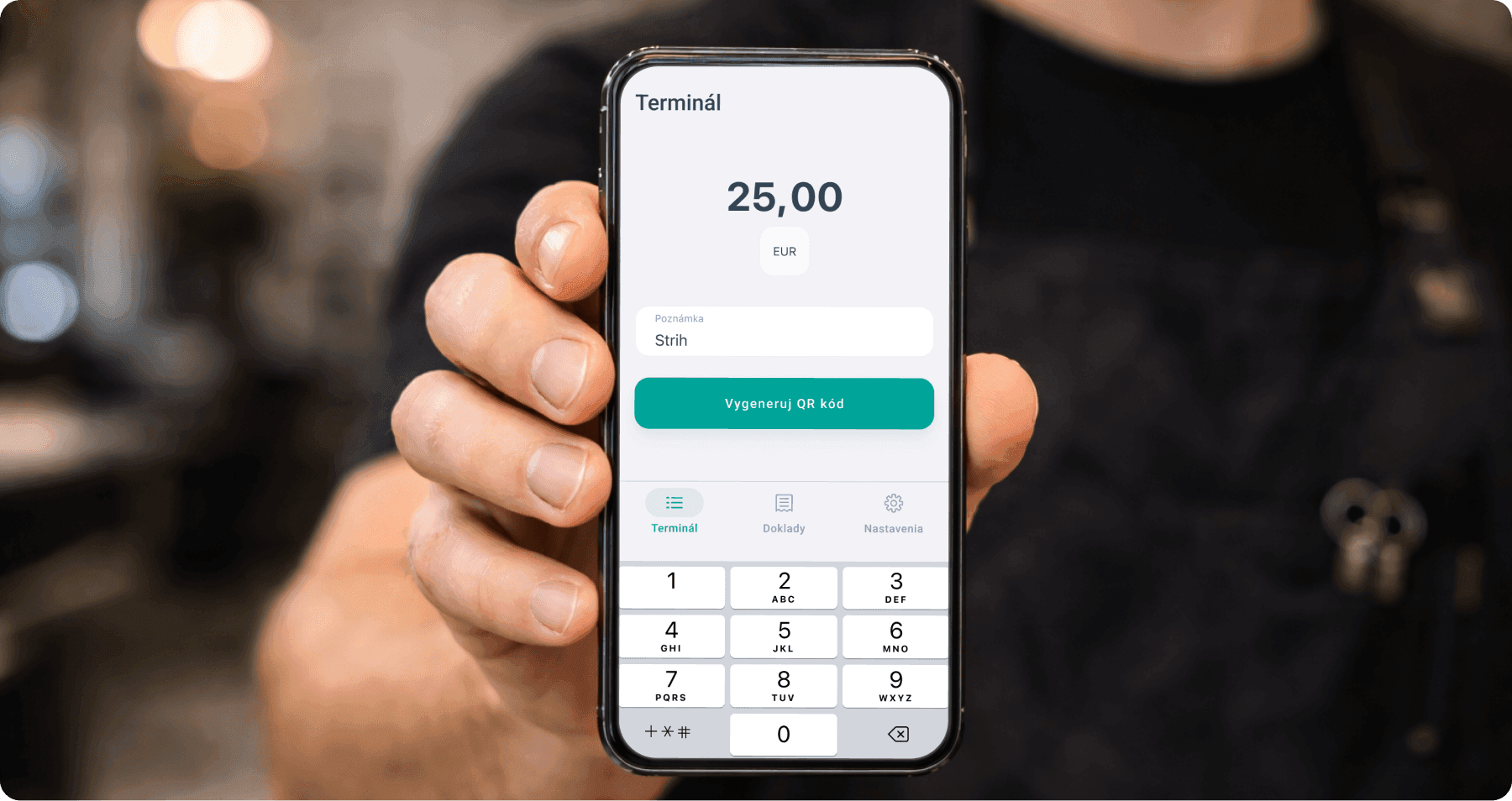
Once you have completed the onboarding process, you can start using the Merchant app right away. Simply enter the amount into the terminal and add a note if necessary. A QR code will then be generated, which the customer scans to make the payment.
Step 5: How to accept payments
The customer scans the QR code in the Everifin Wallet app and confirms the payment on their mobile phone. It's the fastest and most convenient user experience. The payment is processed in seconds - no waiting, no cash.